You’re New To AI
You want a clear starting point without having to piece together conflicting tutorials or learn every platform at once.
$159
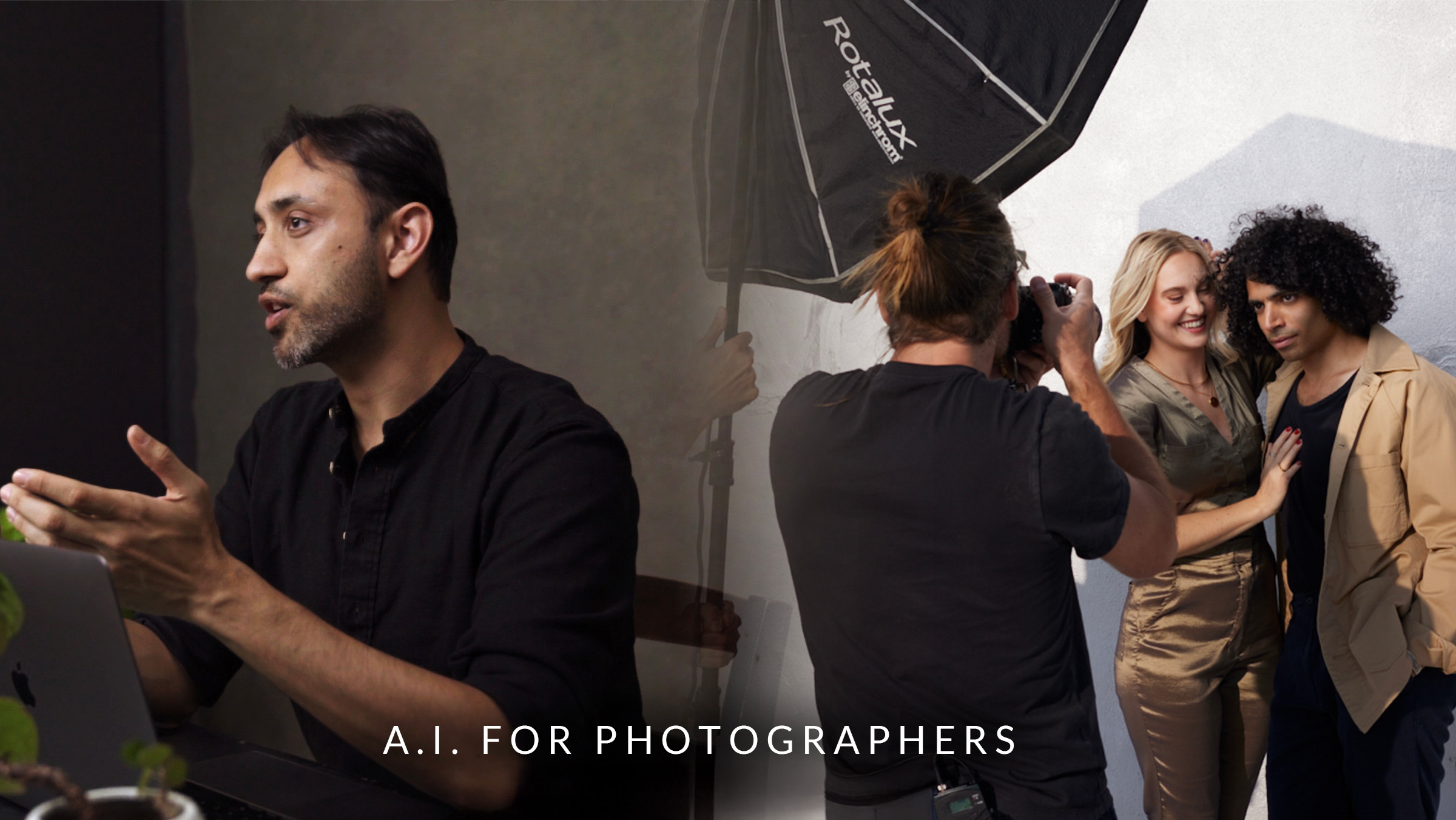
AI for Photographers hands you a clear, practical roadmap from first spark of an idea to final delivered image. Watch as Pratik Naik and Felix Kunze—two photographers pushing the edge of what’s possible—show you exactly how they use AI to develop concepts, plan real shoots, and streamline post-production. No fluff, no hype, no guessing. Just the tools, prompts, and workflows they use on real jobs, broken down step by step.
Your creative judgment stays exactly where it belongs: in your hands. AI just clears the path to get there faster.
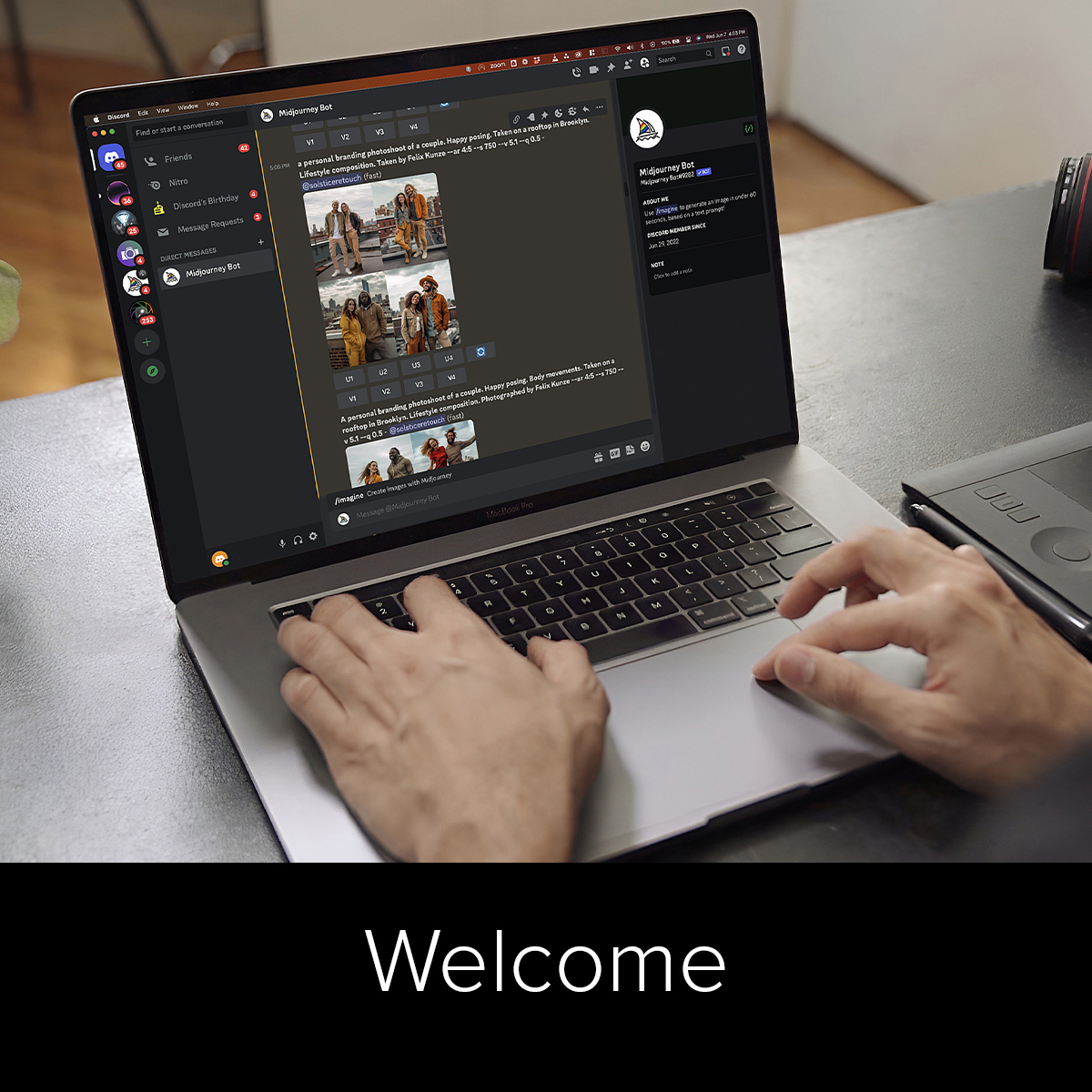
Welcome to AI for Photographers. In this class, Felix and Pratik invite you into their creative process to explore how AI can become a genuine partner in photography, not a replacement, but an extension of your imagination. Together, they’ll show how these tools can help you see ideas more clearly, communicate with your team more effectively, and bring your creative vision to life.
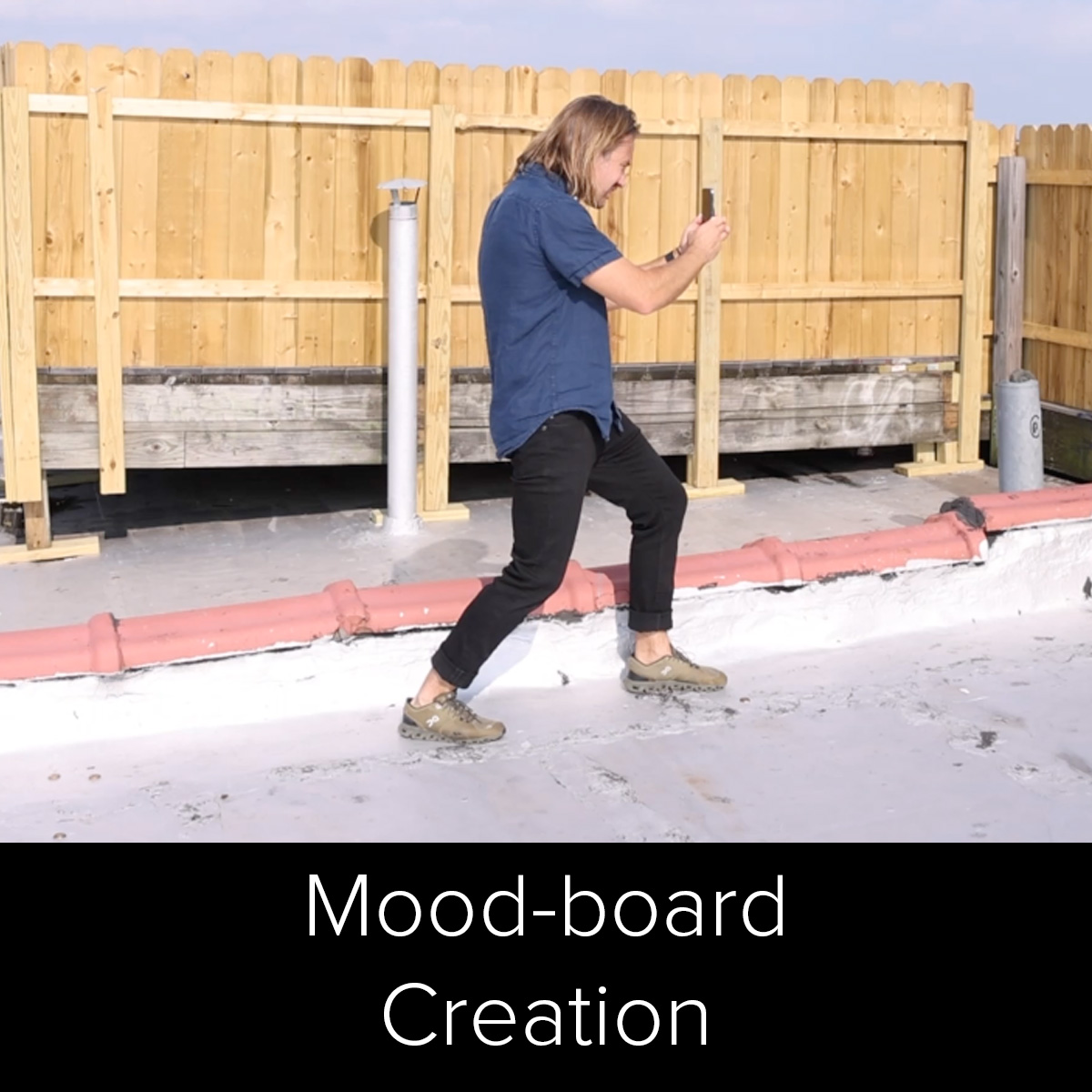
This is where the conversation gets creative. Felix shares how he normally plans a shoot and how AI completely changes that process. With Pratik guiding the technical side, you’ll see how to build moodboards that actually feel like your vision, blending locations, poses, and lighting references into one cohesive visual story that everyone on your team can understand.
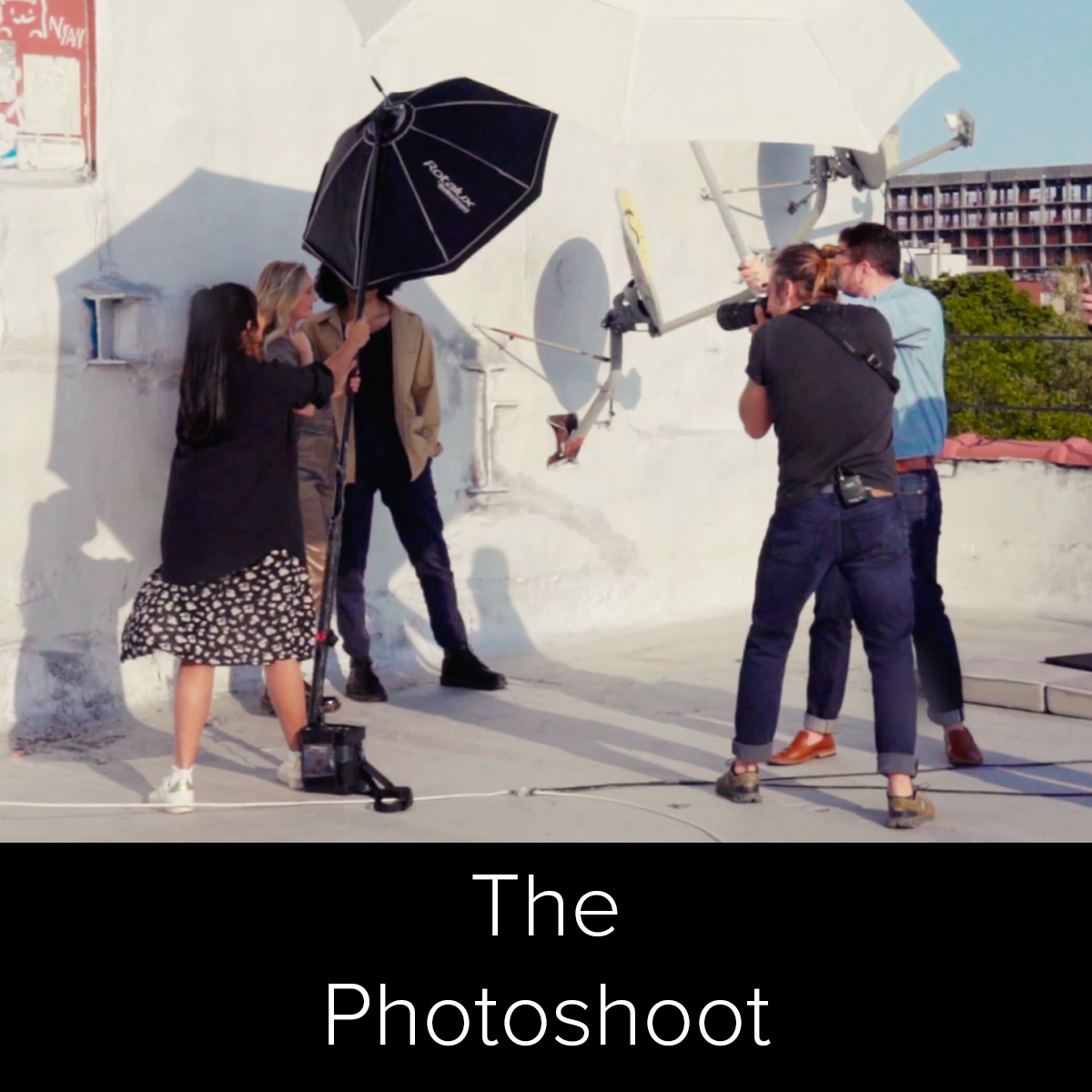
Now it’s time to bring those AI ideas into the real world. Join Felix on a Brooklyn rooftop as he photographs two real subjects, guided by the AI moodboards created earlier. You’ll see how AI-assisted planning translates into genuine direction, energy, and confidence on set, proof that creativity and technology can truly work hand in hand.
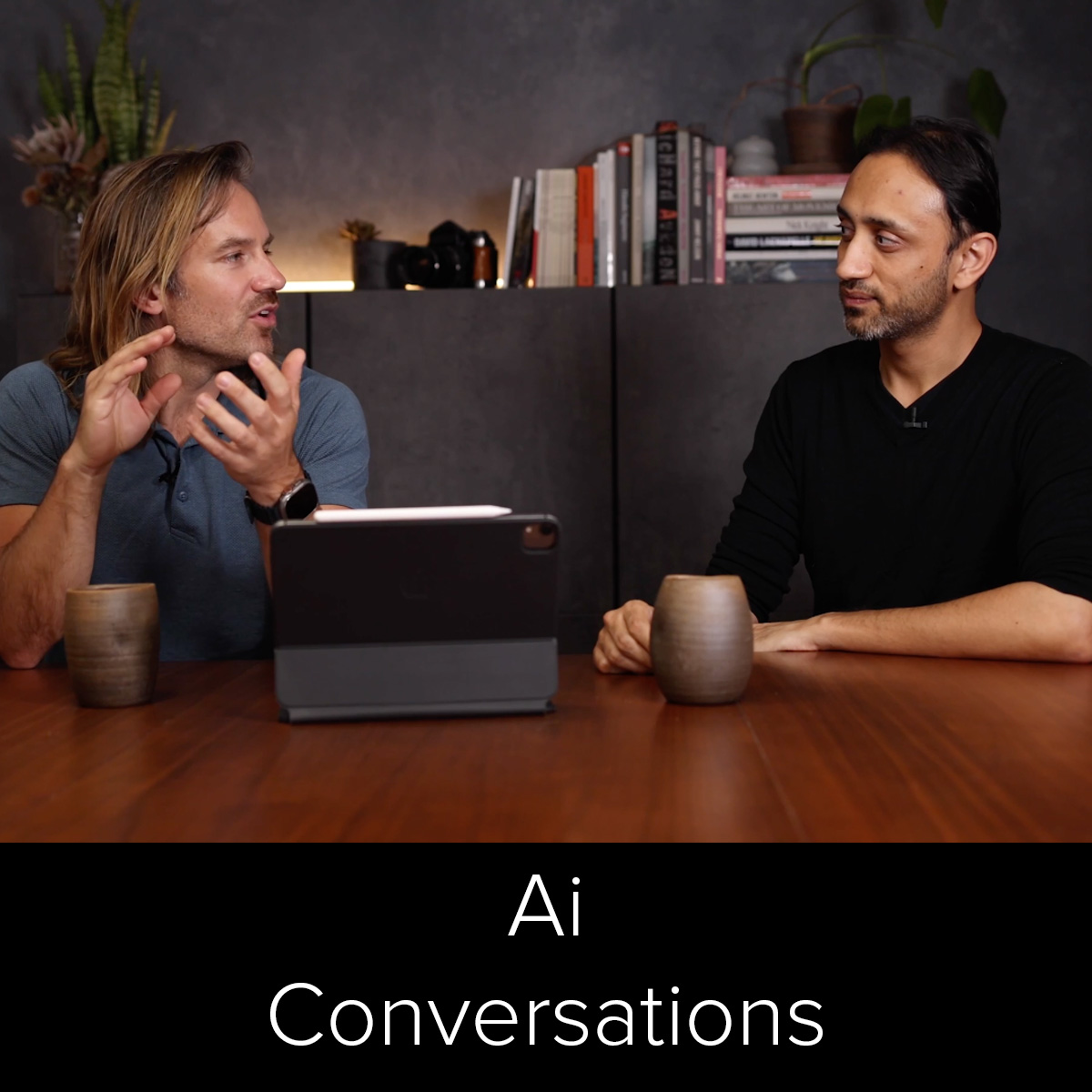
Explore how AI is affecting photographers, from ethics, fear, and opportunity to commercial work, changing practices, and using AI tools.
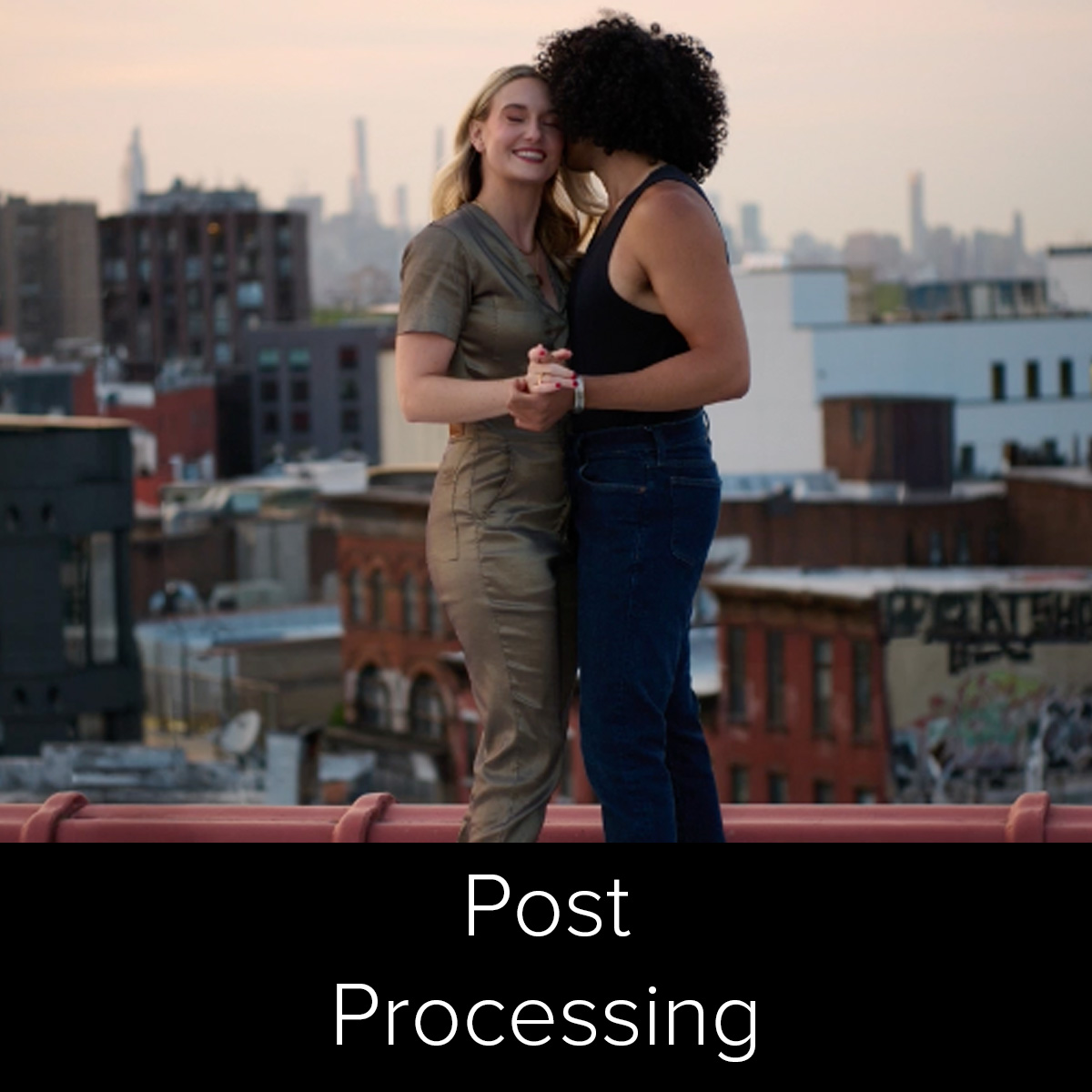
In this module, Pratik brings everything together inside Photoshop and beyond, from generative fill and sky replacement to tools like Topaz Gigapixel. It’s less about shortcuts and more about discovering new possibilities. You’ll see how subtle AI-assisted adjustments can enhance, not overpower, your own creative hand, the perfect blend of craftsmanship and innovation.
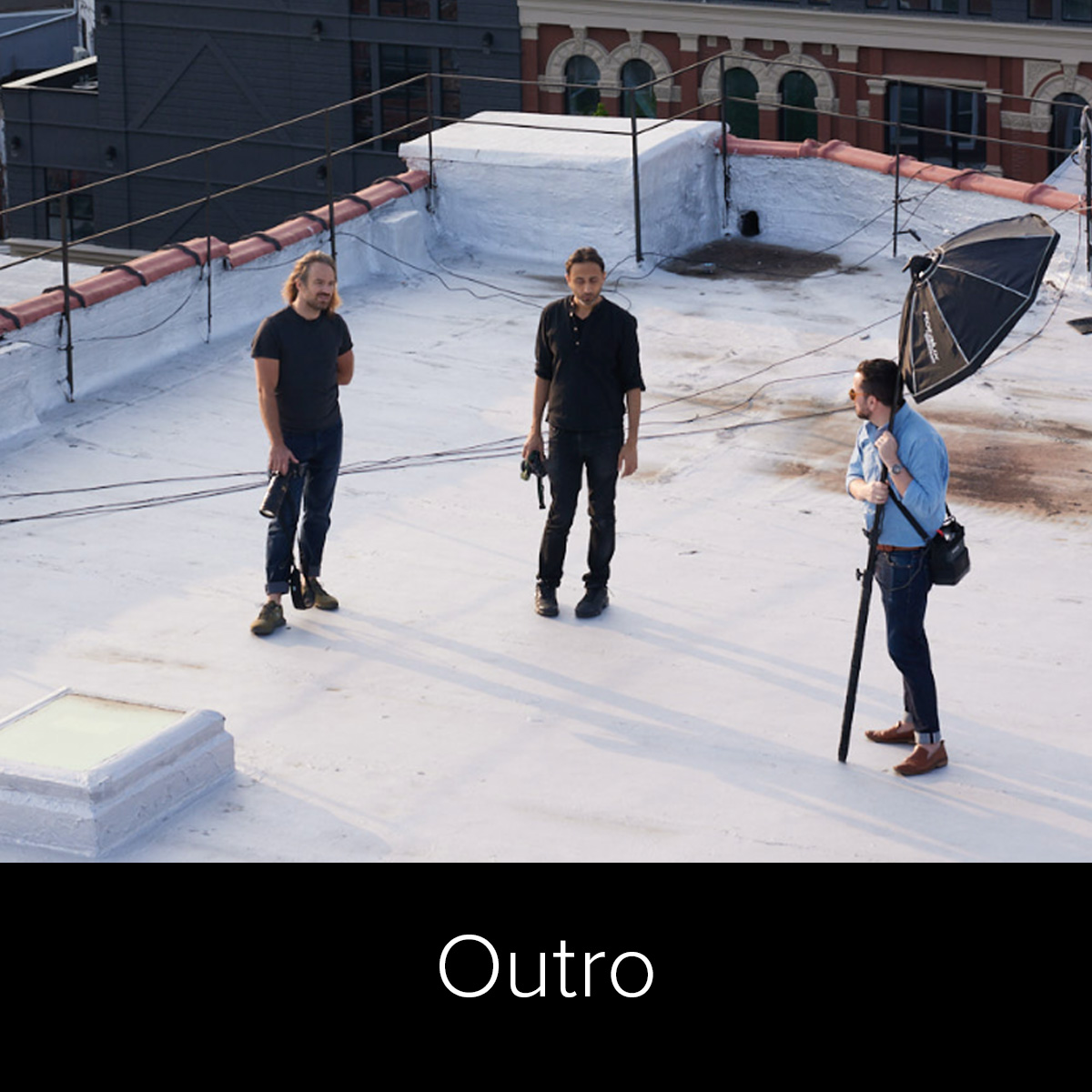
Felix and Pratik close with a reminder that this technology isn’t here to replace your creativity, it’s here to amplify it. By embracing these tools with curiosity and intention, you’ll find new ways to visualize, collaborate, and express your ideas. The hope is simple: that you leave inspired, confident, and ready to create your future photo.
ONLINE COURSE FOR PHOTOGRAPHERS
New platforms appear, familiar tools change, and every update seems to come with another promise about what photographers should be doing next.
You don’t need more noise. You need a thoughtful way to decide what is useful, understand how it fits into your process, and put it into practice.
This course meets you where you are. You’ll see AI used across a real photography workflow—from planning and mood-board creation to the shoot itself, culling, editing, retouching, and creative post-production. The goal isn’t to replace your ideas. It’s to help you express them with more clarity, confidence, and intention.
Built for photographers at any level who want real results from AI—without losing their voice.
You want a clear starting point without having to piece together conflicting tutorials or learn every platform at once.
You want to save time in repetitive parts of the workflow while protecting the quality, consistency, and personal style your clients expect.
You want new ways to explore concepts, communicate a visual direction, and turn an idea into a finished photograph.
Pratik and Felix take AI out of the abstract and place it inside the work photographers already do. You’ll follow the work step by step and see where these tools can help you plan more clearly, communicate an idea, work more efficiently, and stay focused on the creative decisions that matter.
You don’t have to change everything at once. Start with the parts that support your work today, then build from there.
Pratik Naik is a retoucher, educator, and founder of Infinite Color. He is known for making complex editing ideas easier to understand and apply. Throughout the course, Pratik guides the AI and post-production lessons with a practical focus on helping photographers use technology in service of stronger creative decisions.
Felix Kunze is a portrait photographer and educator known for expressive imagery, thoughtful lighting, and a collaborative approach to the creative process. In this course, Felix brings the mood-board work onto a real set so you can see how planning, direction, and adaptation come together during a shoot.
Learn practical prompting, plan stronger shoots, and speed up culling & retouching with Pratik Naik and Felix Kunze.
No. The course is designed to give newer users a clear starting point while offering practical applications for photographers who already use some AI tools.
No. The course is for photographers at different skill levels. The most important starting point is a desire to understand where AI can support your creative and post-production workflow.